Running R on AWS Lambda
What’s AWS Lambda?
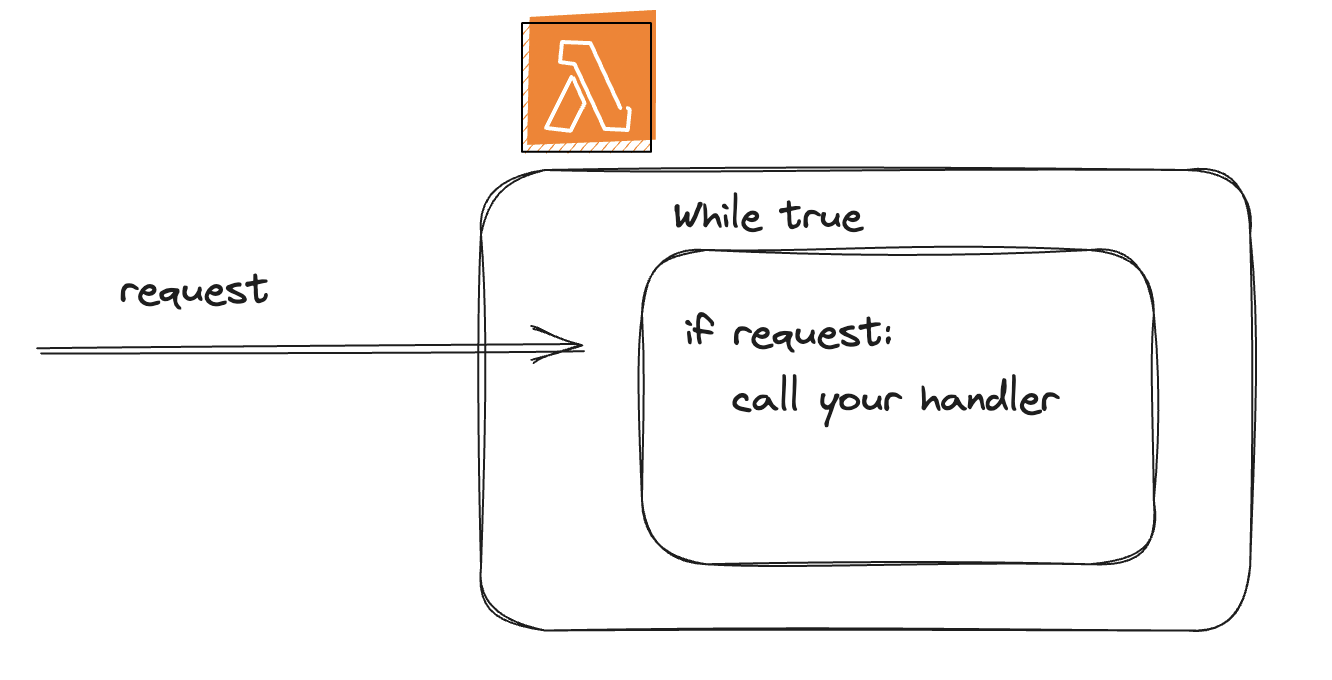
It’s a compute env managed by AWS. You can think about it as a service that has a while true loop that waits for incoming requests. When the request comes in, Lambda will call your code and pass a request to appropriate function.
How do I upload my R code to Lambda?
Ok, not so fast. We cannot upload R code to Lambda directly, because Lambda does not support R runtime. Here’s the list of supported runtimes. There’s a way to patch it, but you will keep running into issues when installing deps and you would need to do your own maintenance time to time. We don’t want that.
That’s why we are going to be using 🐳 Docker container to host the R env and when the request comes to Lambda, it will pass it to a running container.
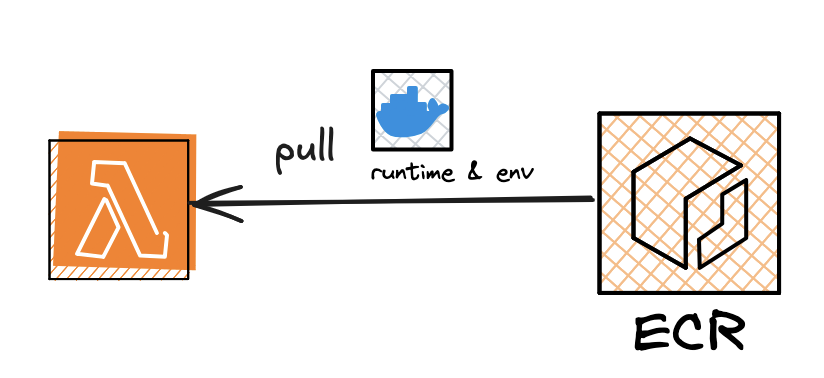
Lambda would pull an image from AWS ECR (host for docker images) and then run that image when the request comes in.
So what’s the plan?
- Create docker image that will have our R script and all the deps that it needs
- Setup Docker Image Registry where you going to upload your images to
- Configure Lambda to use it (To continue, check the code in the repo)
Check out the example repo: https://github.com/Bobrinik/r_on_lambda_example
Trigger your lambda from console
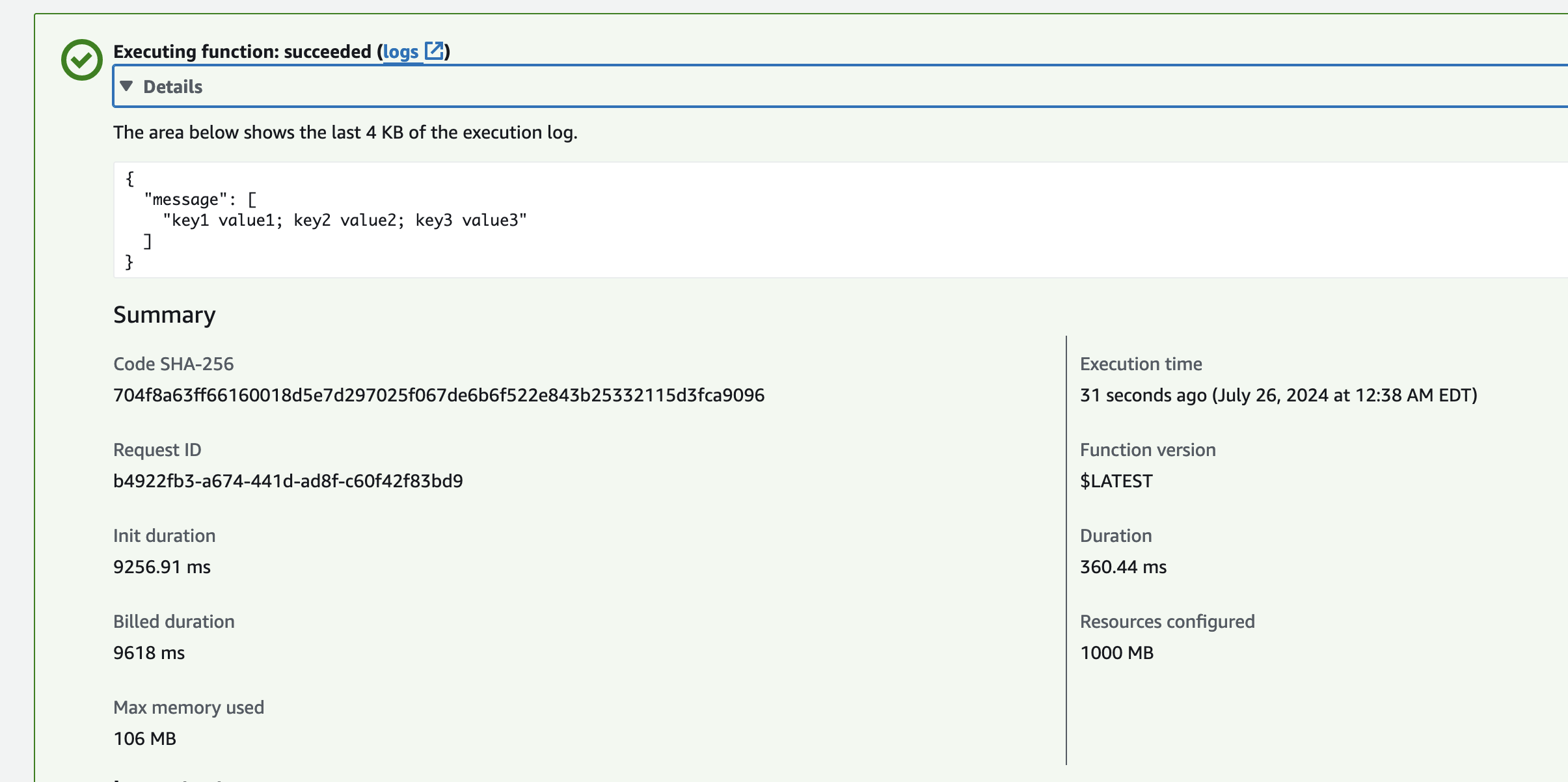
- 31 seconds of startup time (initial speedup is lengthy, might be ok or pretty bad depending on your use case)
Now, what are Lambda constraints?
- Startup time:
- For my simple example it was around 31 seconds (it’s still the time that you pay for). The subsequent one is going to be much faster though, but still.
- Timeout:
- 15min max of runtime
- Memory:
- 10 GB
- CPU:
- Proportional to memory; at 10GB it will give you around 6 vcpu

Taken from https://www.youtube.com/watch?v=rpL77KDN92Q
- For price/power tuning: https://github.com/alexcasalboni/aws-lambda-power-tuning